

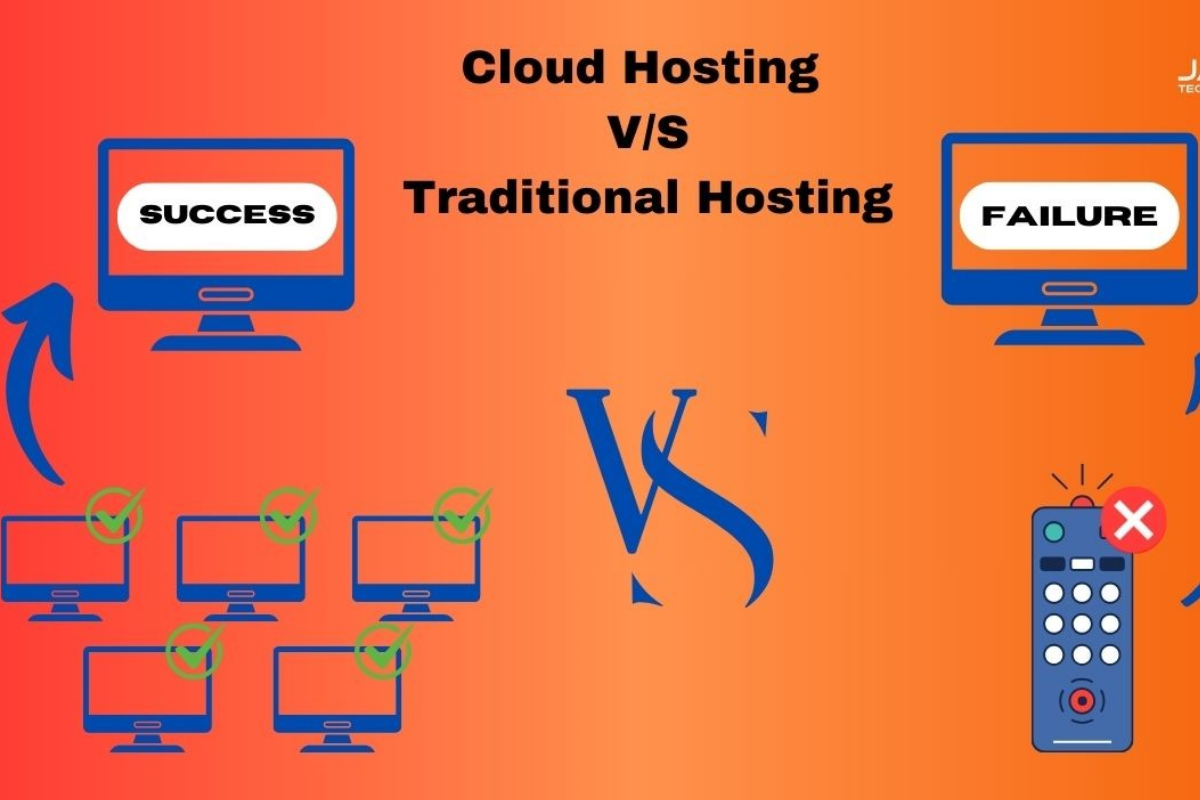
Web hosting has become the backbone of every online business, blog, and e-commerce website. Without reliable hosting, even the most beautiful and feature-rich website cannot perform at its best. Among the many hosting types available, two stand out the most – Cloud Hosting and Traditional Hosting (which generally includes Shared, VPS, and Dedicated hosting).
But which one is right for you? Should you move to the cloud, or stick with the traditional hosting methods that have been around for years?
In this blog, we’ll break down both hosting types in detail, highlighting their advantages, disadvantages, performance, cost, scalability, and reliability – so you can make an informed decision for your website in 2025.
What is Traditional Hosting?
Traditional hosting refers to hosting your website on a single physical server. Depending on the type of hosting you choose, this server may be shared with other websites (Shared Hosting), partially dedicated to you (VPS Hosting), or fully dedicated to your project (Dedicated Hosting).
Types of Traditional Hosting
-
Shared Hosting – Multiple websites share a single server’s resources.
-
VPS Hosting (Virtual Private Server) – A single server is divided into multiple virtual partitions, giving users more control and dedicated resources.
-
Dedicated Hosting – One entire physical server is dedicated only to you, offering maximum performance and security.
Traditional hosting has been around for decades and is still popular for small businesses, personal blogs, and companies that prefer fixed infrastructure.
Summary Table: Cloud Hosting vs Traditional Hosting – Pros and Cons
| Factor | Cloud Hosting – Pros/Cons | Traditional Hosting – Pros/Cons | Best Practice |
|---|---|---|---|
| Performance & Speed | High speed, resources scale automatically | Fixed resources, may slow during high traffic | Choose cloud for scalable speed |
| Reliability (Uptime) | Very reliable with 99.9% uptime, multiple servers used | Risk of downtime if single server fails | Cloud hosting ensures better uptime |
| Scalability | Instantly scalable as traffic grows | Limited, needs manual server upgrade | Use cloud if expecting growth |
| Cost | Pay-as-you-go, flexible pricing | Fixed monthly/yearly fee | Traditional suits small static websites |
| Security | Strong, with data backup across multiple servers | Depends on single server security | Cloud = safer for sensitive data |
| Customization | Advanced configuration possible | Limited customization options | Tech-savvy users prefer cloud |
| Ease of Use | May require more technical knowledge | Beginner-friendly, simple to manage | Traditional good for starters |
| Server Location | Distributed servers across regions | Usually fixed to one location | Cloud best for global reach |
| Backup & Recovery | Automatic backups and quick recovery | Manual or limited backup options | Cloud reduces risk of data loss |
| Support | 24/7 support depending on provider | Standard support, sometimes slower | Pick host with live 24/7 chat support |
Pricing Comparison (Approximate)
| Hosting Type | Starting Price (per month) | Best For |
|---|---|---|
| Cloud Hosting | ₹499 – ₹2,999 ($7 – $40) | Growing websites, e-commerce, apps, high-traffic sites |
| Traditional Hosting | ₹99 – ₹499 ($1.5 – $7) | Small blogs, personal websites, static business sites |
What is Cloud Hosting?
Cloud hosting is a modern hosting solution that uses a network of interconnected virtual servers. Instead of relying on a single physical machine, your website’s files and data are hosted across multiple servers in the cloud.
This distributed approach ensures high availability, flexibility, and scalability. If one server fails, another automatically takes over, reducing downtime risk.
Cloud hosting has become the preferred choice for growing businesses, e-commerce stores, and websites that expect high traffic spikes.
Pros of Traditional Hosting
-
Lower Initial Cost (Shared Hosting)
-
Shared hosting is one of the cheapest options available, making it ideal for beginners.
-
-
Simple Setup and Use
-
Most traditional hosting providers offer cPanel or Plesk, making management easier for non-technical users.
-
-
Predictable Pricing
-
Monthly or yearly fixed costs allow businesses to budget more accurately.
-
-
Good for Small Websites
-
Perfect for personal blogs, small portfolios, or websites with limited traffic.
-
-
Wide Availability
-
Almost every hosting company provides traditional hosting, so options are plenty.
-
Cons of Traditional Hosting
-
Limited Scalability
-
Once your website grows beyond the server’s capacity, upgrading becomes difficult.
-
-
Downtime Risks
-
If the physical server crashes, your entire website goes down.
-
-
Resource Sharing Issues (in Shared Hosting)
-
Other websites on the same server can consume resources and slow down your site.
-
-
Security Vulnerabilities
-
Shared environments are more exposed to malware attacks and breaches.
-
-
Maintenance Dependency
-
You rely entirely on the hosting provider’s hardware maintenance and upgrades.
-
Pros of Cloud Hosting
-
High Scalability
-
Instantly upgrade or downgrade resources (CPU, RAM, storage) based on traffic.
-
-
Improved Uptime
-
Since multiple servers support your site, downtime is rare.
-
-
Better Performance
-
Websites hosted on the cloud load faster due to distributed infrastructure.
-
-
Enhanced Security
-
Cloud providers usually include firewalls, DDoS protection, and data redundancy.
-
-
Pay-as-You-Go Pricing
-
You pay only for the resources you use, which is cost-efficient for growing businesses.
-
-
Global Accessibility
-
Cloud servers are spread across different regions, improving speed for international visitors.
-
Cons of Cloud Hosting
-
Higher Long-Term Costs
-
While pay-as-you-go sounds attractive, costs can rise quickly if your traffic spikes often.
-
-
More Complex Setup
-
Beginners may find it harder to configure compared to traditional cPanel hosting.
-
-
Internet Dependency
-
Cloud services need stable internet connections for management.
-
-
Data Privacy Concerns
-
Your data is stored across multiple servers worldwide, sometimes raising legal concerns for sensitive industries.
-
Cloud Hosting vs Traditional Hosting – Performance Comparison
| Factor | Cloud Hosting | Traditional Hosting |
|---|---|---|
| Scalability | Highly scalable | Limited scalability |
| Uptime | 99.9%+ | Depends on server health |
| Speed | Faster (CDN, multiple servers) | Average (single server) |
| Security | Strong (advanced firewalls, redundancy) | Good, but riskier on shared hosting |
| Cost | Flexible, pay-as-you-go | Fixed plans, cheaper initially |
| Ease of Use | Requires technical know-how | Beginner-friendly |
| Best For | Growing businesses, e-commerce, global websites | Small blogs, local business websites |
When Should You Choose Traditional Hosting?
-
If you’re launching a personal blog or portfolio site.
-
If you run a local business website with predictable, low traffic.
-
If your budget is limited and you want low monthly costs.
-
If you prefer simple setup and management with cPanel.
When Should You Choose Cloud Hosting?
-
If your website handles thousands of daily visitors.
-
If you own an e-commerce store and can’t afford downtime.
-
If your business grows quickly and you need scalable hosting.
-
If you want faster page loading speed and global reach.
-
If you value security and reliability more than cost.
Future of Web Hosting – Cloud Taking Over
With businesses going digital, the future clearly favors cloud hosting. According to market research, more than 80% of companies are expected to shift to cloud infrastructure by 2027.
Traditional hosting will still remain relevant for small-scale users, but for businesses aiming for performance, scalability, and global presence, cloud hosting is undoubtedly the future.
Conclusion
Choosing between Cloud Hosting and Traditional Hosting depends on your website’s needs, traffic, and budget.
-
If you are just starting out, a shared or VPS hosting plan might be enough.
-
If you run a large or growing business that cannot afford downtime, cloud hosting is the smarter choice.
In 2025 and beyond, businesses that adopt cloud hosting will have the edge in speed, security, and scalability. But for hobby bloggers and small local businesses, traditional hosting remains a cost-effective solution.
The best approach? Start small with traditional hosting, and as your website grows, migrate to cloud hosting to unlock greater performance.
